

Pesos first, every other currency too
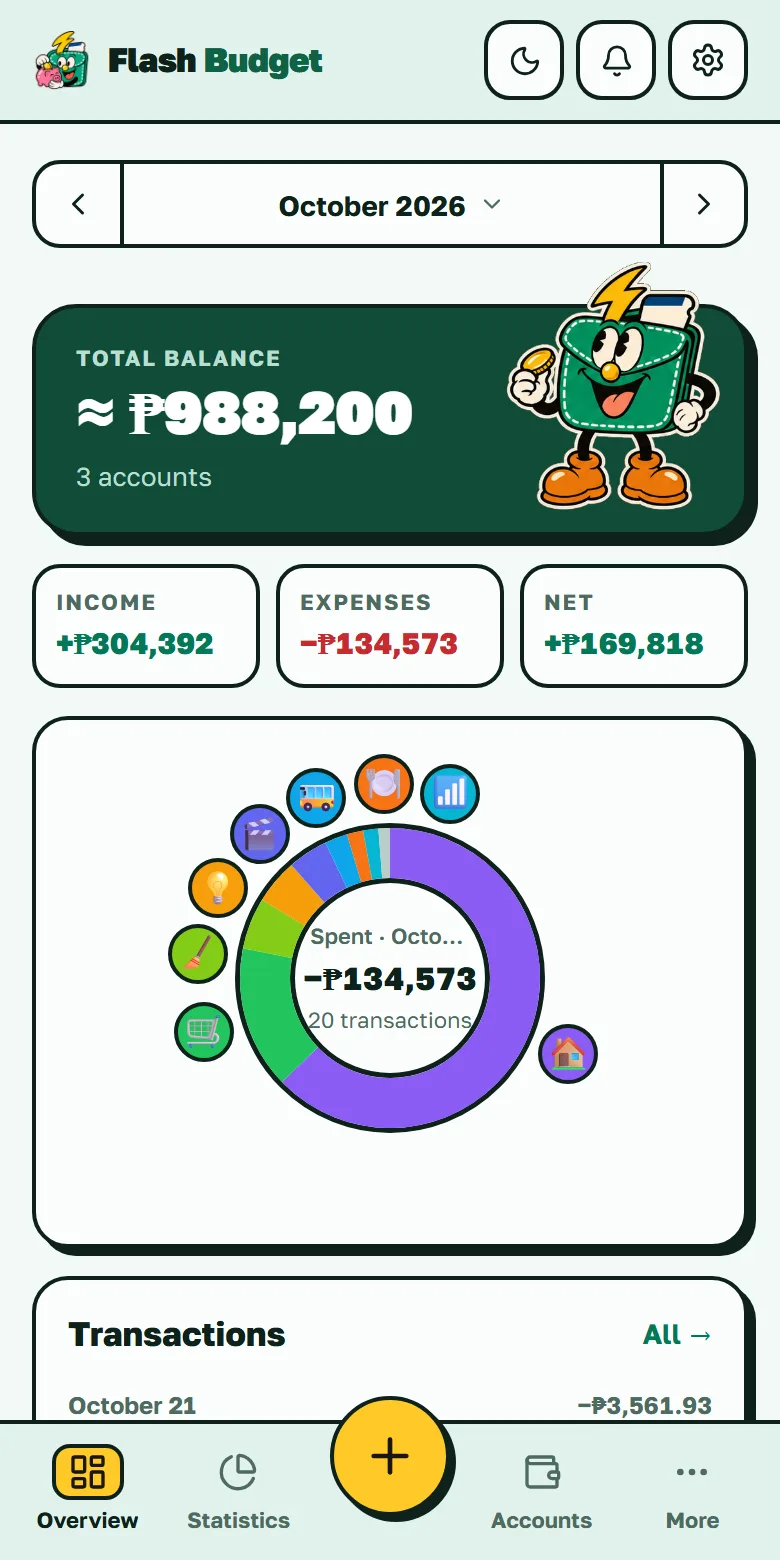
Set the peso as your base currency and every total, budget and chart is in PHP. Accounts can still be in any of 155 currencies — a dollar account for freelance income, a dirham or riyal account if you work in the Gulf, a USDT wallet for crypto — and each keeps its own currency, down to the centavo or the satoshi.
Each transaction keeps the exchange rate of its own date, so last month's report doesn't change when the peso moves. More on multi-currency budgeting.
Sending money home
Working abroad? The OFW mode (paid plan) shows how much of each remittance reached home and how much the fee and exchange rate took — more in the budget app for OFWs. To check a single transfer right now, try the free remittance cost calculator.
One budget for the family
With the family budget, you choose which of your accounts the people at home can see. They see the balances and the spending — and can't change anything. Joining a family circle is free; creating one is part of the paid plan.
Works when the signal doesn't
In the MRT, on a ferry or with mobile data off, you can still add, edit and delete expenses and transfers in the Android app and the web app. Everything syncs when you're back online, without duplicates. See the offline expense tracker.
Crypto next to your pesos
A dedicated Crypto account type keeps BTC, USDT and other top coins with 8 decimals of precision, and their value rolls into your peso total — prices update four times a day. A price jump shows up as revaluation, not as income. See crypto and fiat in one budget.
No bank or e-wallet connection — on purpose
Flash Budget doesn't connect to banks, GCash or Maya. You log an expense in two taps, and nobody else gets access to your accounts. If you want your spending from those apps here, you record it — or import a CSV (paid plan).

